Motion-
Activated Miffy
Physical Computing and 3D Design
Duration
2 weeks
March 2026
Tools & Skills
Arduino
Circuit Design
3D Modeling
3D Printing
Context
Designing a Product
This was my final project for HCDE 439: Physical Computing. We were tasked with designing a product of our choosing that took an input and connected to an output through digital logic.
Concept
Understanding Limitations
My personal criteria for this project was:
To create something I would use outside of the class
Use a new part from my circuit kit
Use an external power source
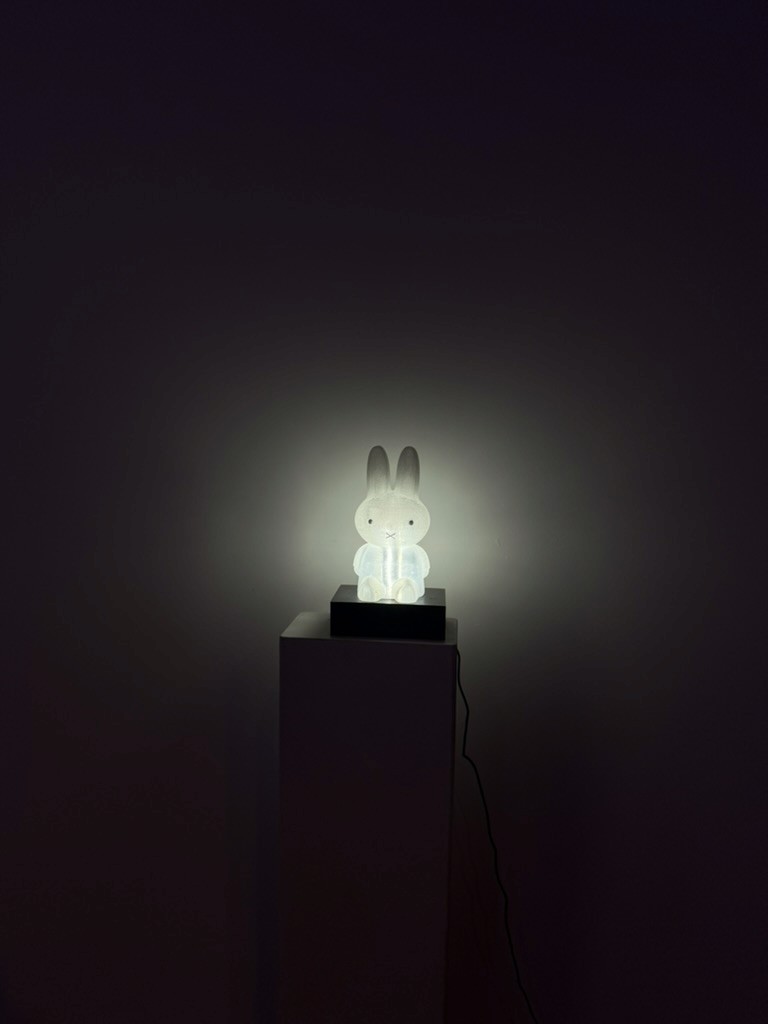
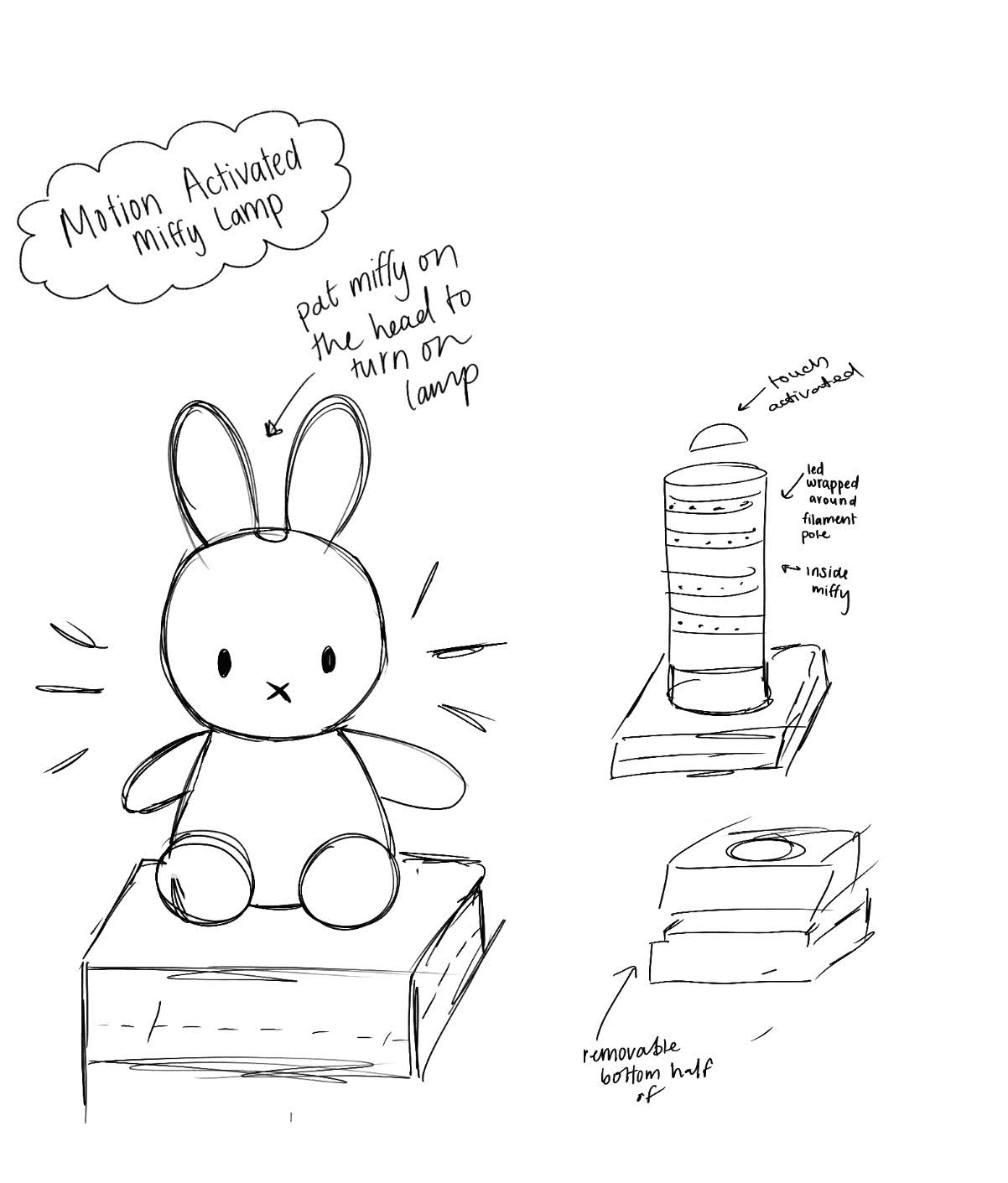
I create a motion-activated lamp shaped like the Dutch book character, Miffy. This would be a useful (and cute)vproduct that would allow me to challenge myself by using new parts and by working at a higher voltage.
3D Modeling & Printing
Starting Early
I started with 3D modeling and printing it often requires lots of iteration to get the desired output
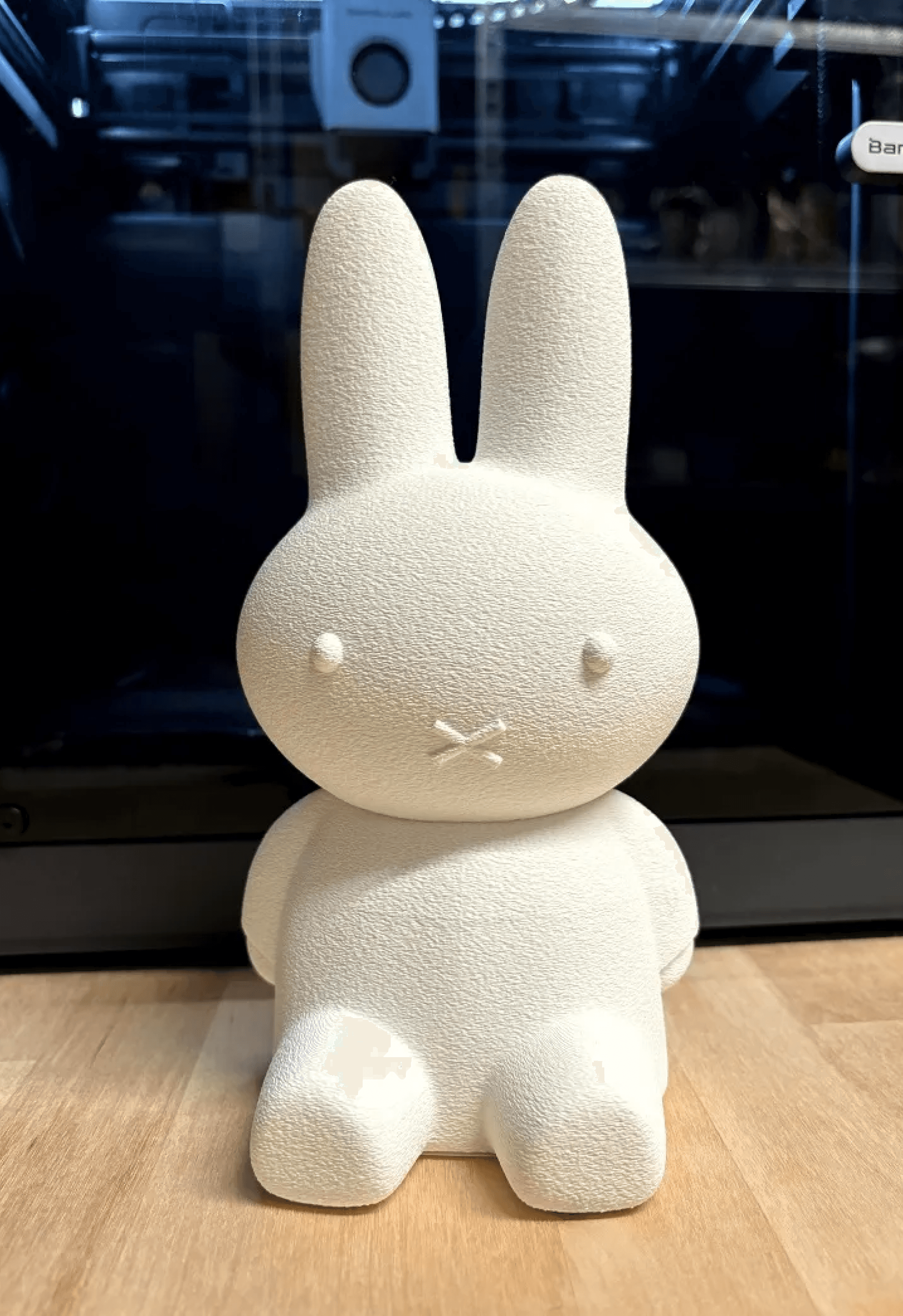
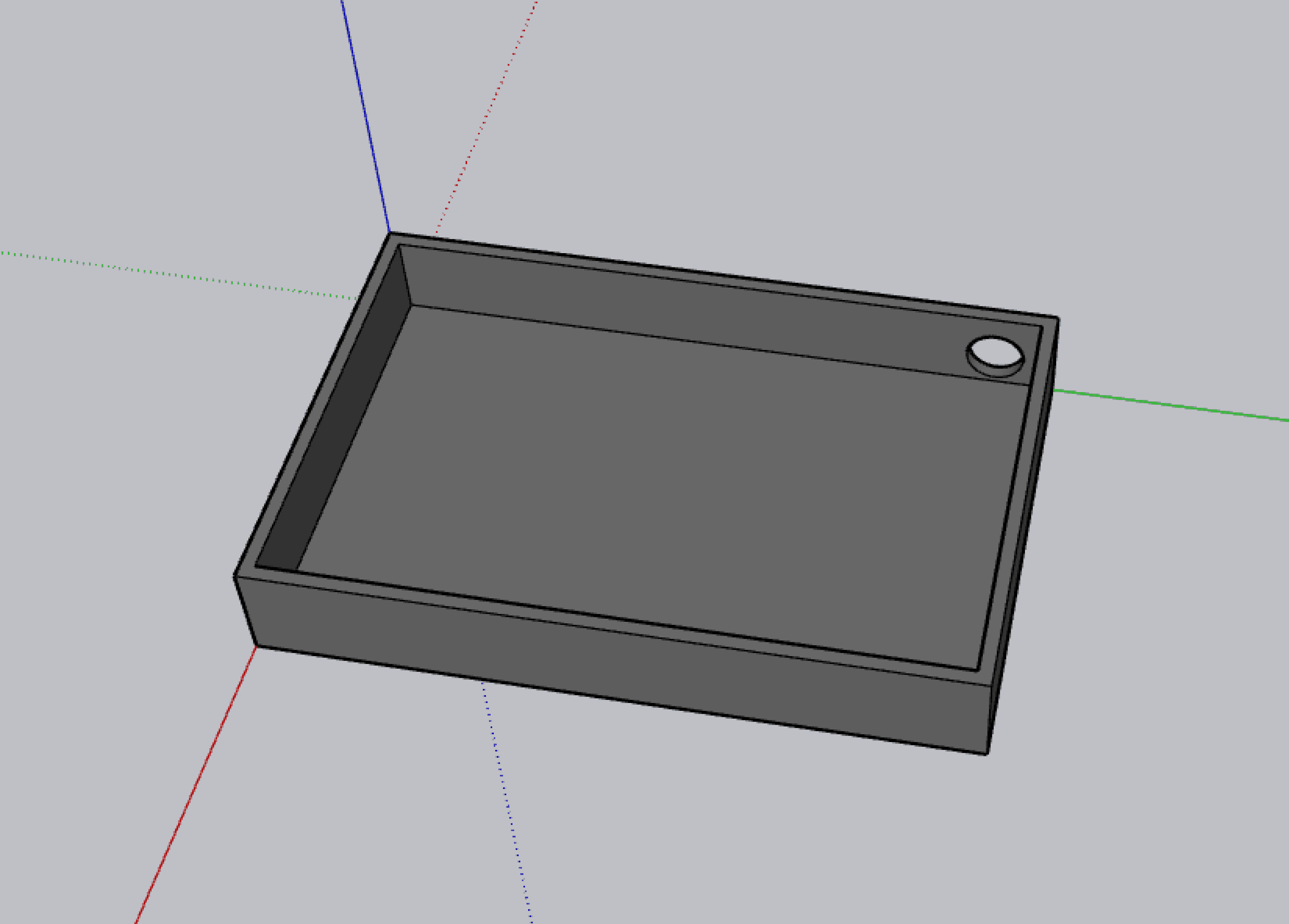
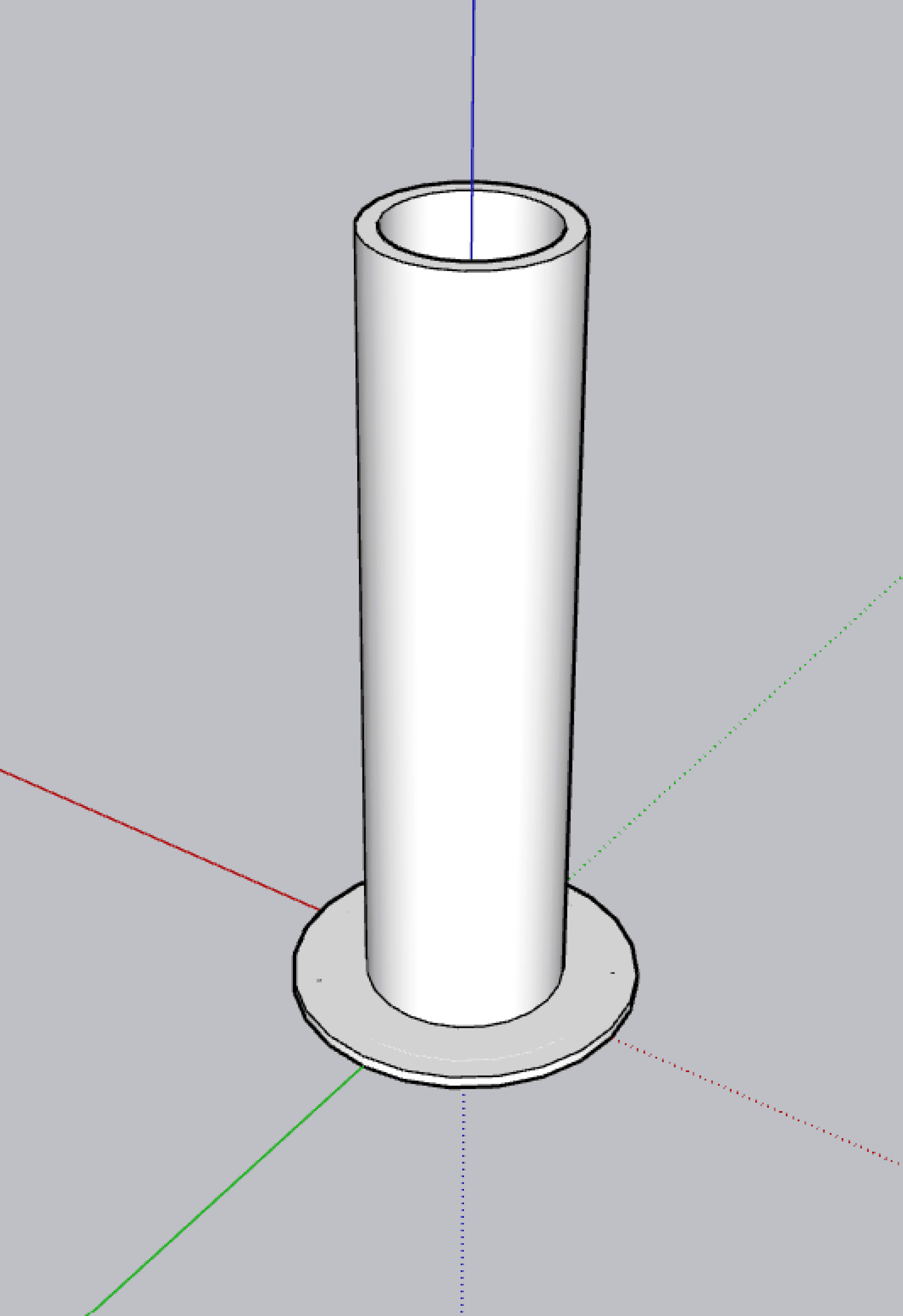
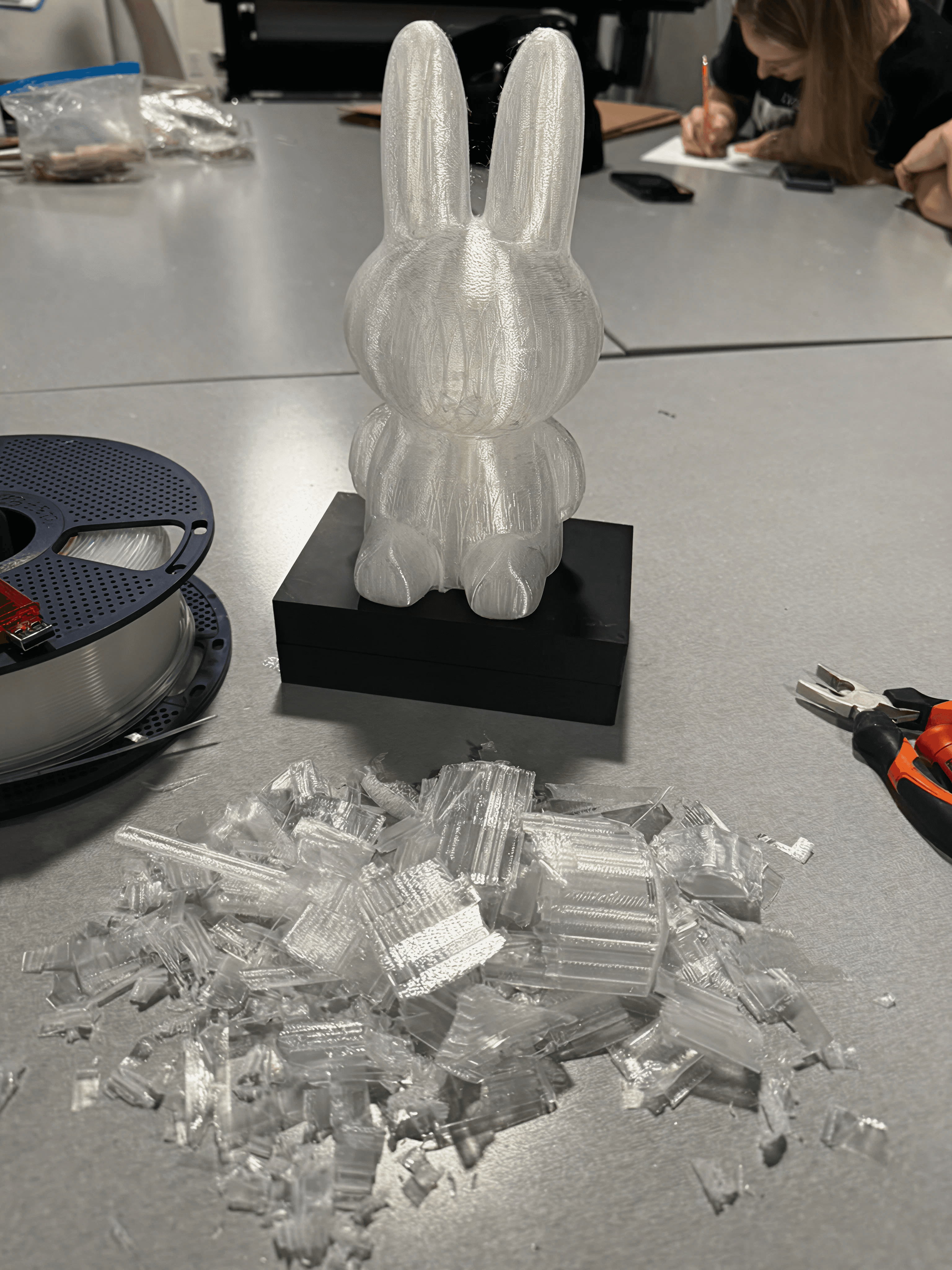
To save time, as this project was on a short timeline, I used an existing STL file of a Miffy piggy bank to reduce the modeling time. It was already the right shape and was hollow, meaning I could fit the LEDs inside.
Basic Circuitry
Safety First
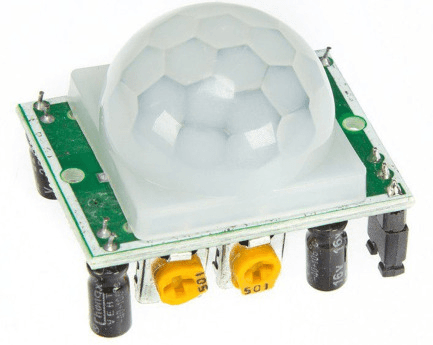
Working with a higher voltage meant a higher risk of damaging my components, so I decieded to learn how to use the motion sensor witha simple circuit, allowing me to write and test arduino code and the pontetimeters settings on the PIR sensor in a lower-risk environment.
Simple Circuit
PIR Sensor
LED
Arduino
220 Ohm Resistor
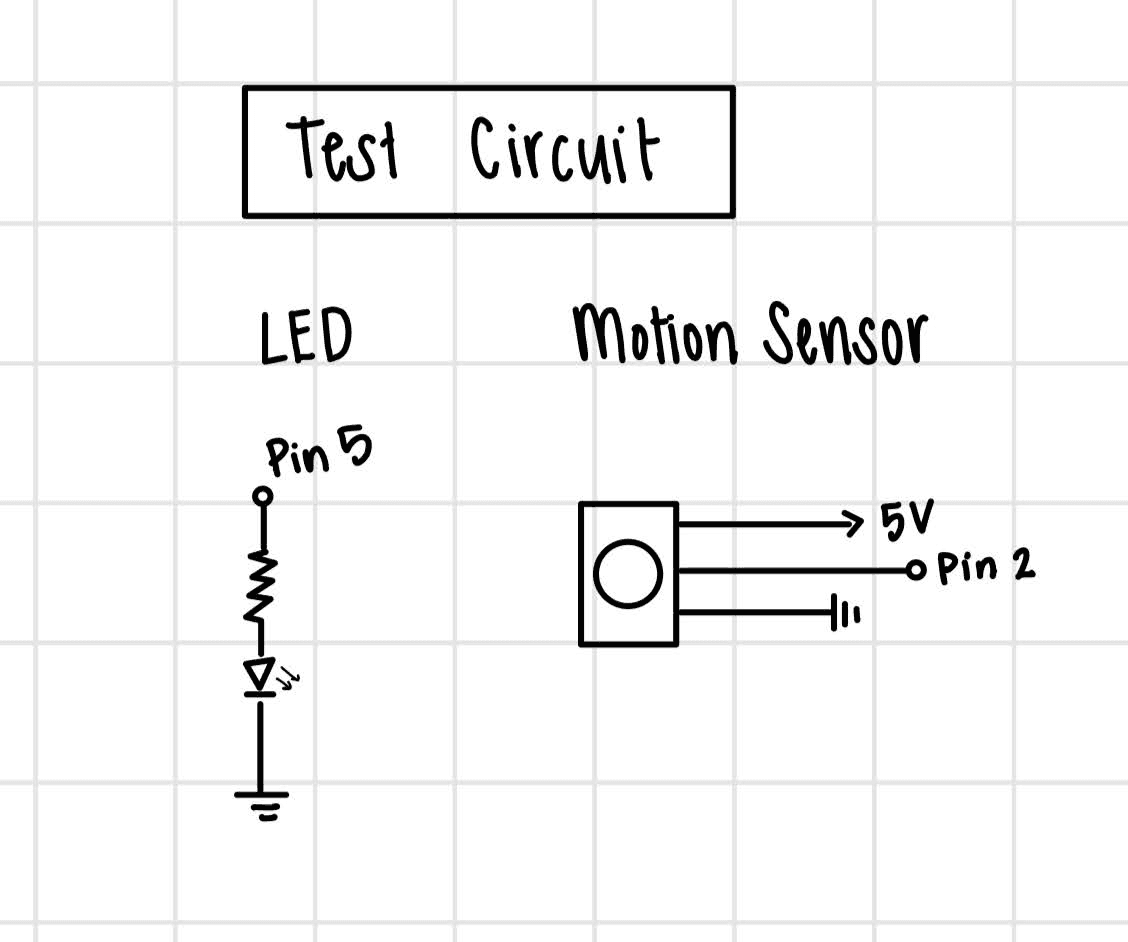
The code is relatively simple because the values from the PIR sensor either detect “motion” (infrared) or don’t, meaning there were only two potential inputs I had to account for.
As for the code, I set the state of the LED to be a boolean value that was changed to its opposite every time motion was detected. Then, using if statements, I assigned the boolean value to turn the LED on or off, depending on whether the state was true or false.
Advanced Circuit
The Danger Zone
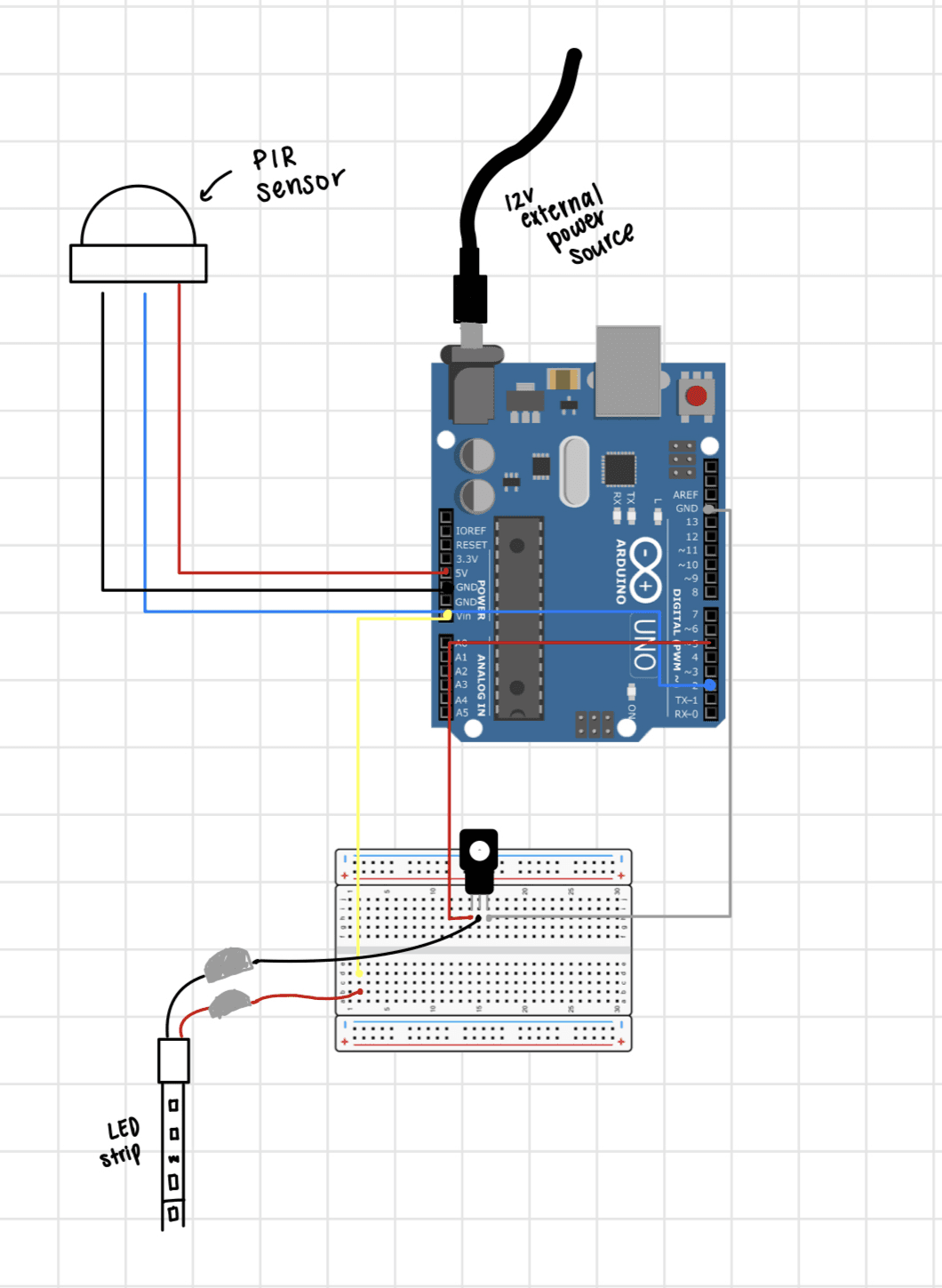
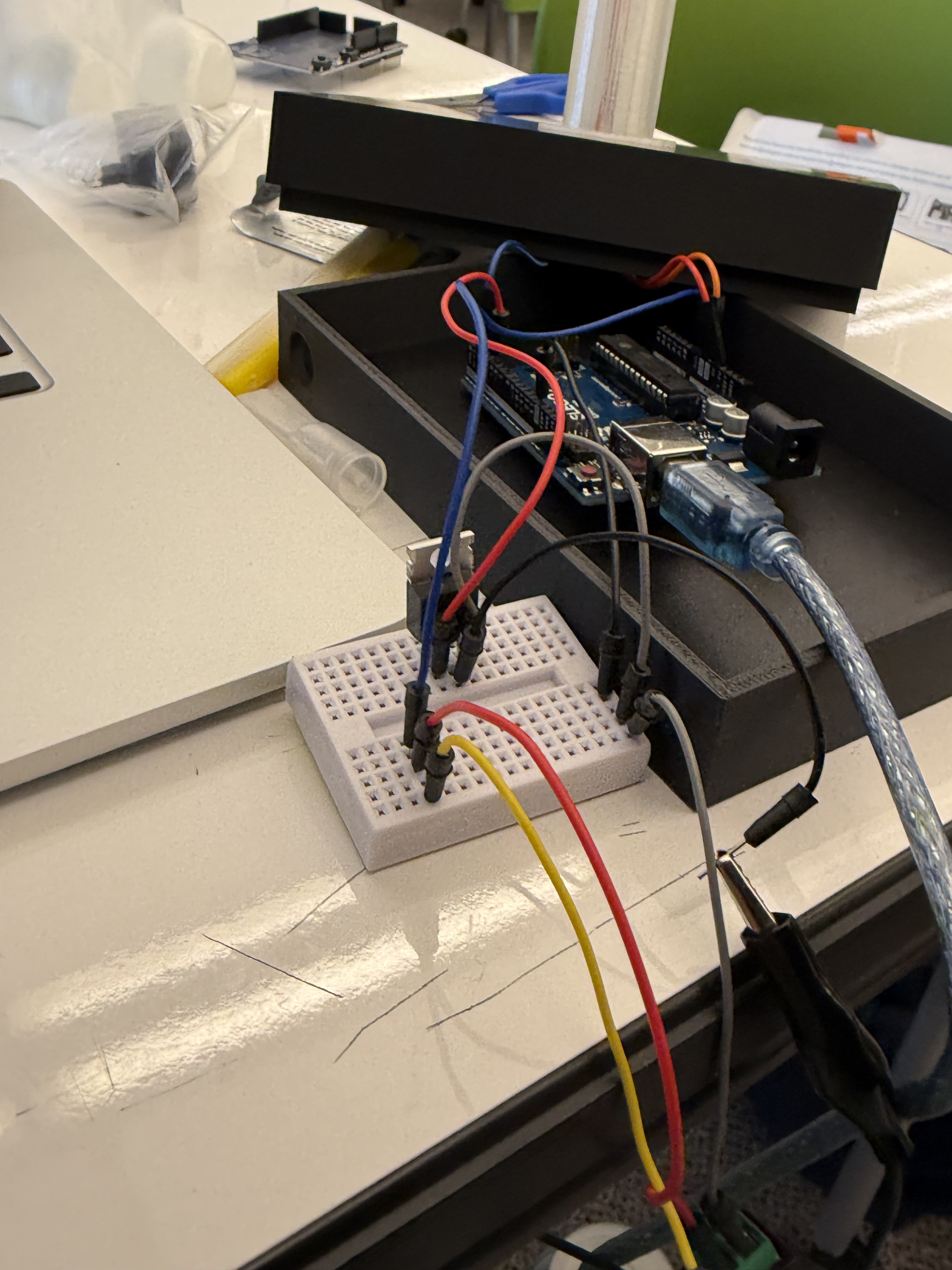
After validating the code on a simple circuit, I moved on to building a more complex system to support the LED strip and 12V external power input. To reduce risk, I had both peers and the teaching team review the circuit design before testing.
Although the wiring appeared correct and the LEDs powered on, they did not behave as intended in the code. I systematically troubleshot the issue by monitoring serial output, iterating on the code, and swapping out individual hardware components.
Through this process, I identified the root cause: the Arduino had been short-circuited and was no longer functioning properly. After confirming that the rest of the circuit was correctly configured, I replaced the Arduino and retested the system. The updated setup worked as expected, validating both the circuit design and the debugging process.
Final Assembly
To Solder or not to Solder
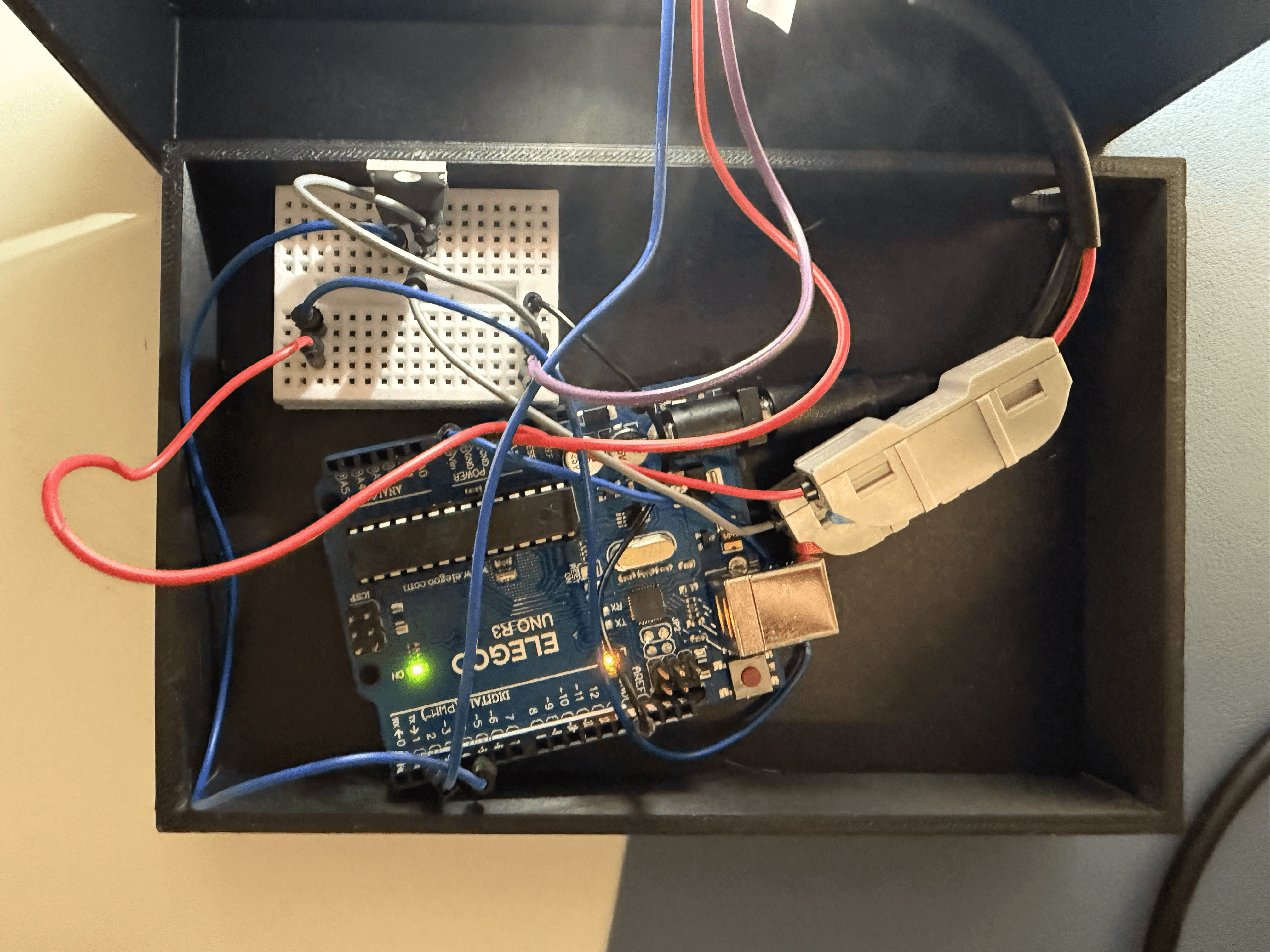
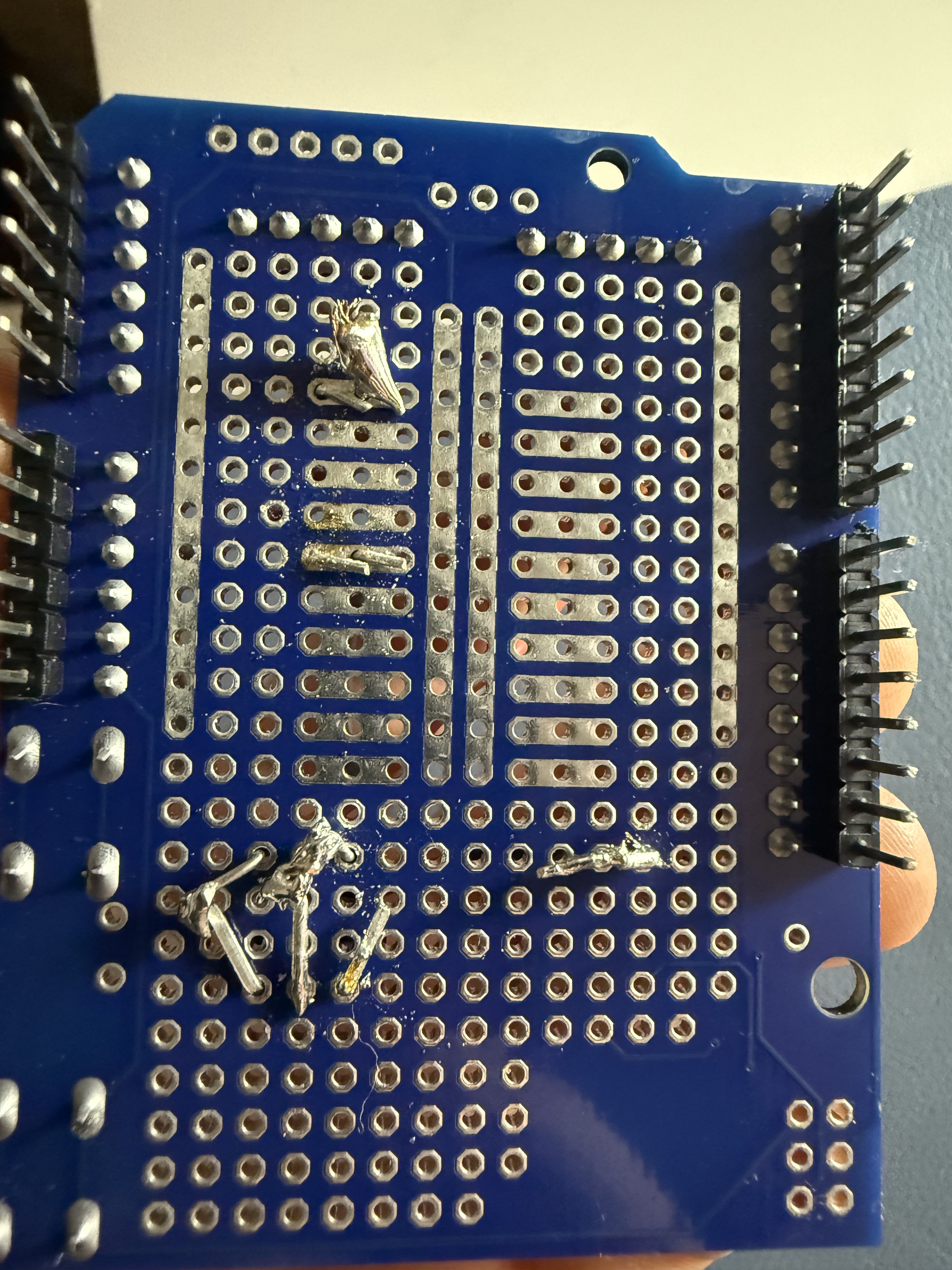
After replacing the Arduino, the circuit functioned properly, allowing me to move into final assembly. Given the limited timeframe, I initially considered soldering the internal components for a more permanent solution. However, I ultimately chose to use two-way cable connectors instead.
This decision was guided by both time constraints and the physical affordances of the design. The components fit securely within the base, and the lamp itself remains largely stationary. Using connectors allowed me to reduce assembly time while still maintaining a reliable and functional setup.
Build-a-Bunny
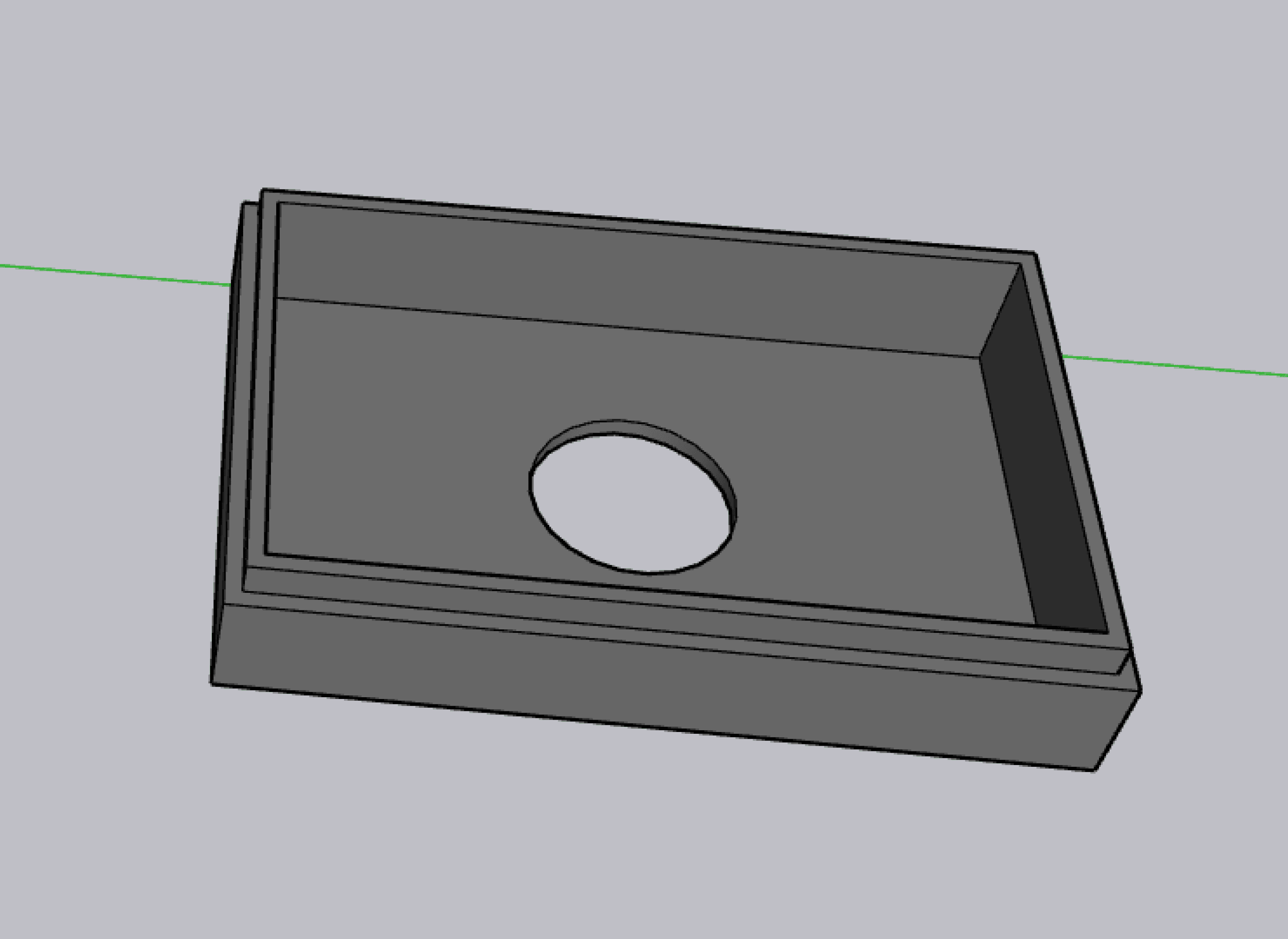
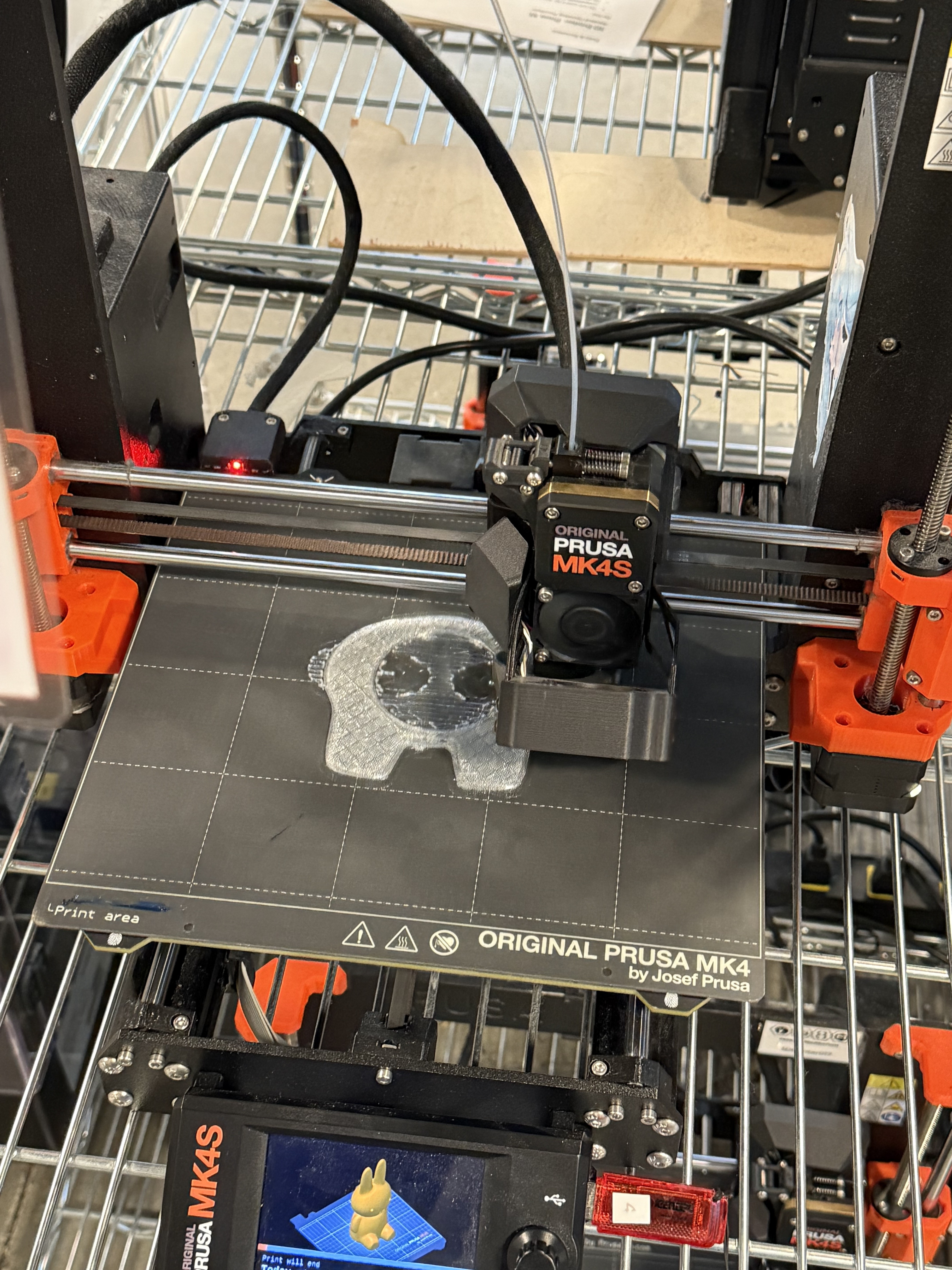
For my final step, I put all of the 3D printing housing together, placing the circuit inside as shown in the concept sketch. During this stage, I also printed a second Miffy with a higher infill (15% → 70%) to help decrease the brightness of the lamp. While most pieces fit snuggly together, I did add superglue in some places to strengthen the connection, such as between Miffy and the top of the base.
->
Reflection
From Digital to Physical
From the start, I set a clear personal benchmark: build something I'd actually use. Not a proof of concept tucked in a drawer, but something I could point to in my room and say "I made that and I actually use it." That constraint pushed every design decision.
Interaction Design
Gesture-based interaction has no visible UI, which made calibrating the motion sensor one of the most interesting design problems of the project. I iterated through sensitivity settings repeatedly, looking for the threshold where the lamp would respond naturally to an intentional wave but ignore ambient movement. This mirrors how I approach digital micro-interactions — the feedback should feel inevitable, not accidental.
Visual Design & Physical Affordances
Translating visual hierarchy into a 3D-printed form meant thinking about light diffusion as a design material. I selected filament colors to complement the aesthetic of my space, treating the object itself as part of the visual environment it would live in. In hindsight, I would test infill percentages earlier in the process. I had underestimated the opacity of the translucent filament, and the final brightness was significantly more intense than I had imagined. A more opaque filament with a calibrated infill would give me precise control over glow intensity.